Downlink Command Guide
1. Configure rule chains
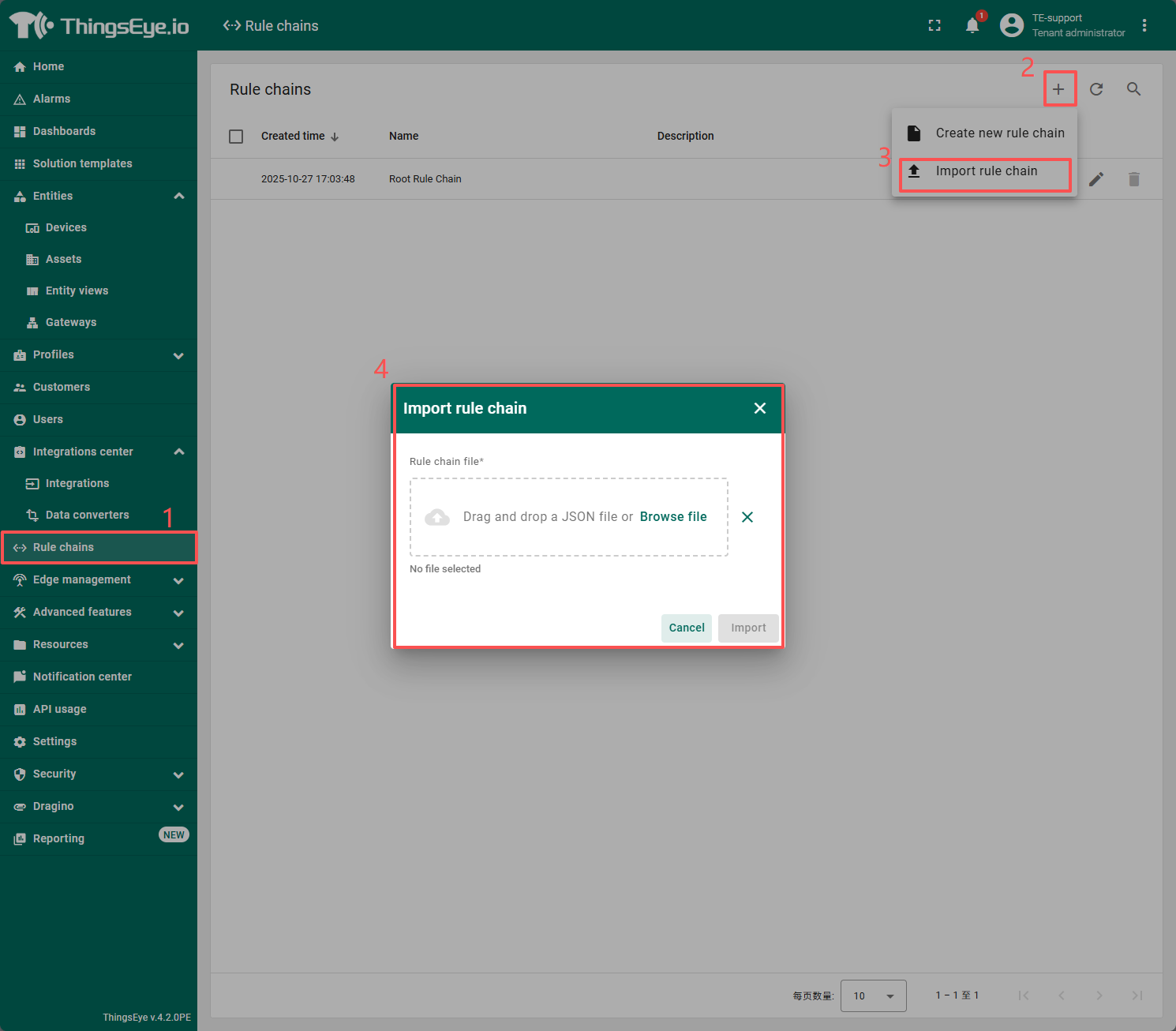
Download and import this rule chain.: chirpstack_downlink .json
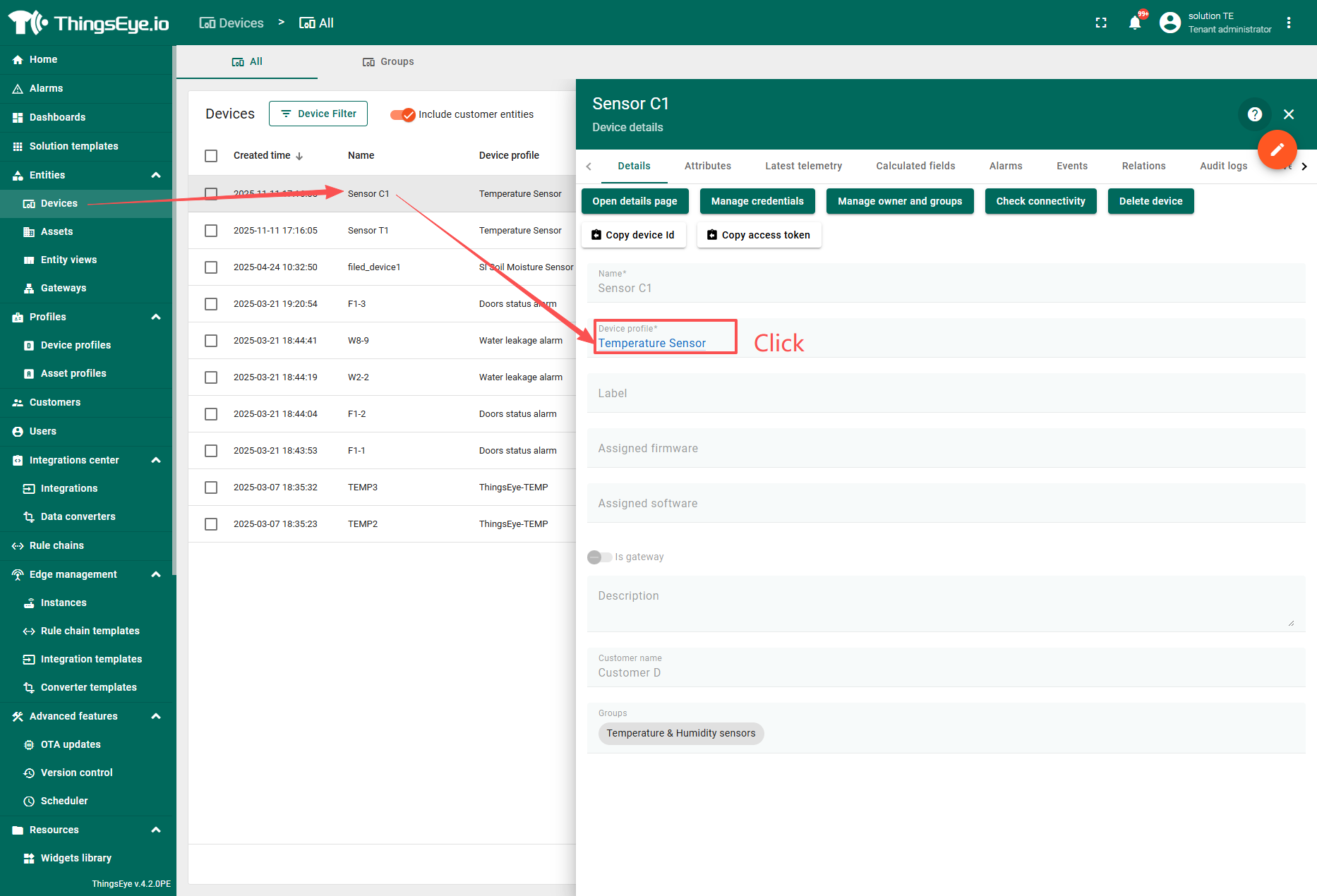
Access the device to be deployed to and open its rule chain.
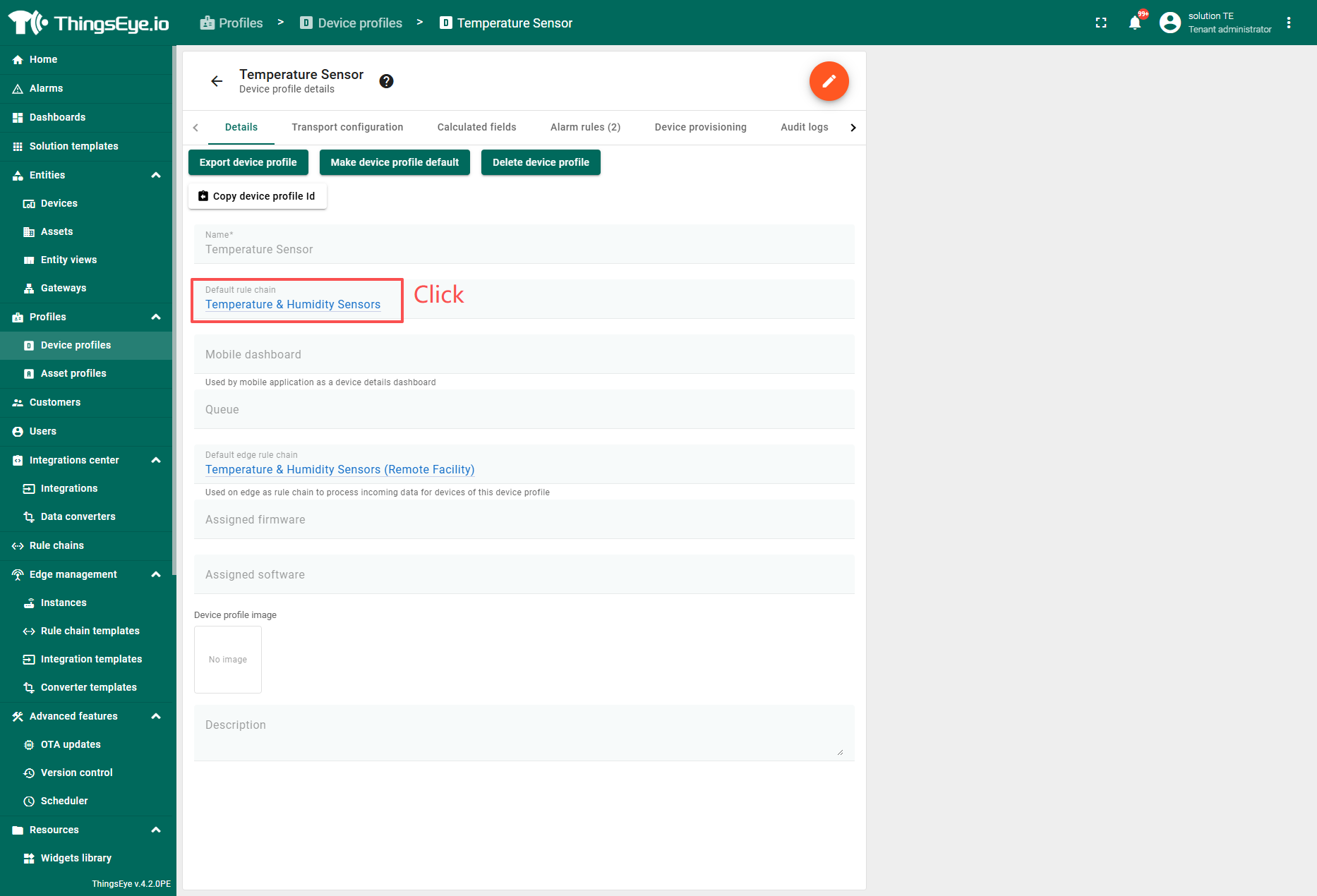
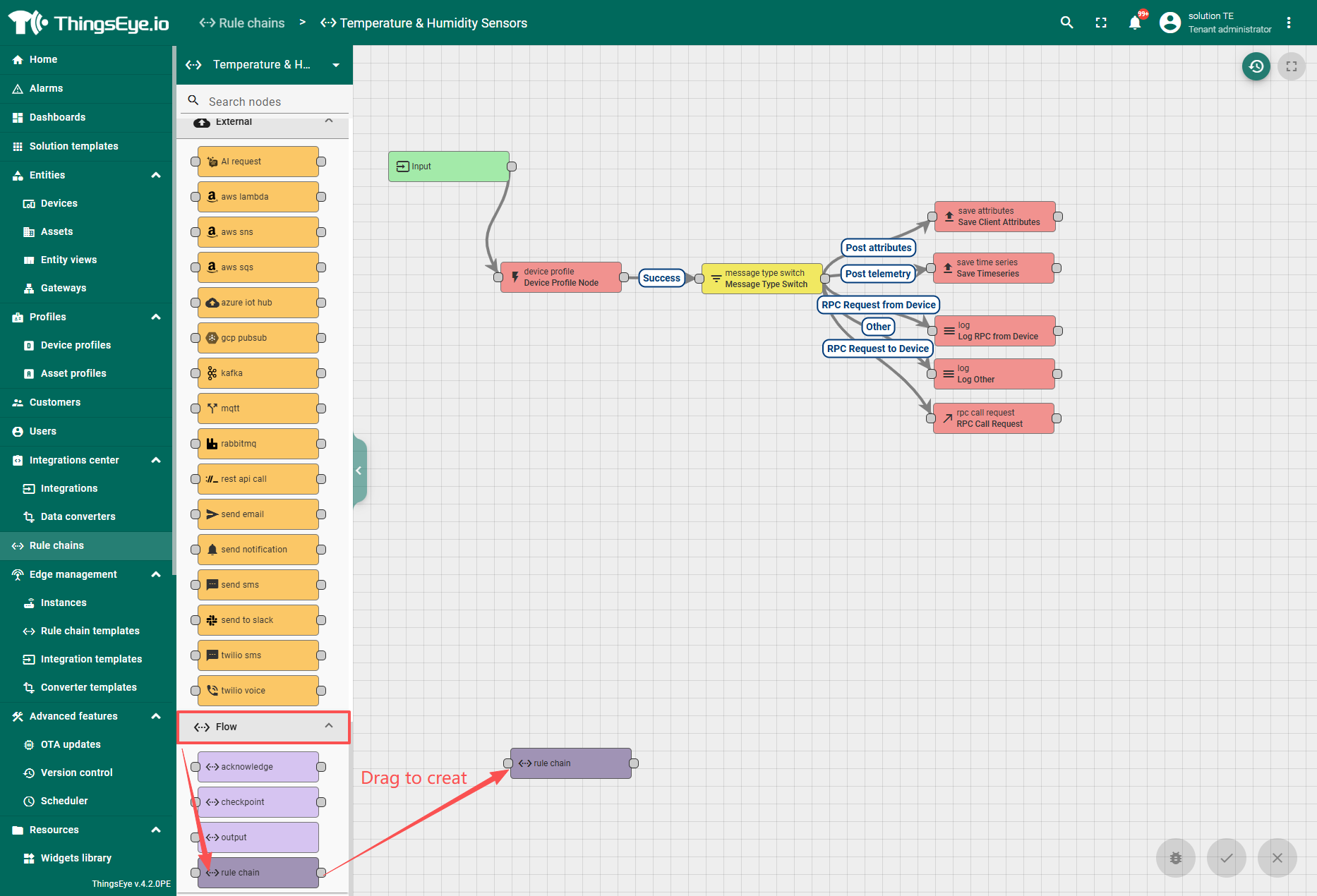
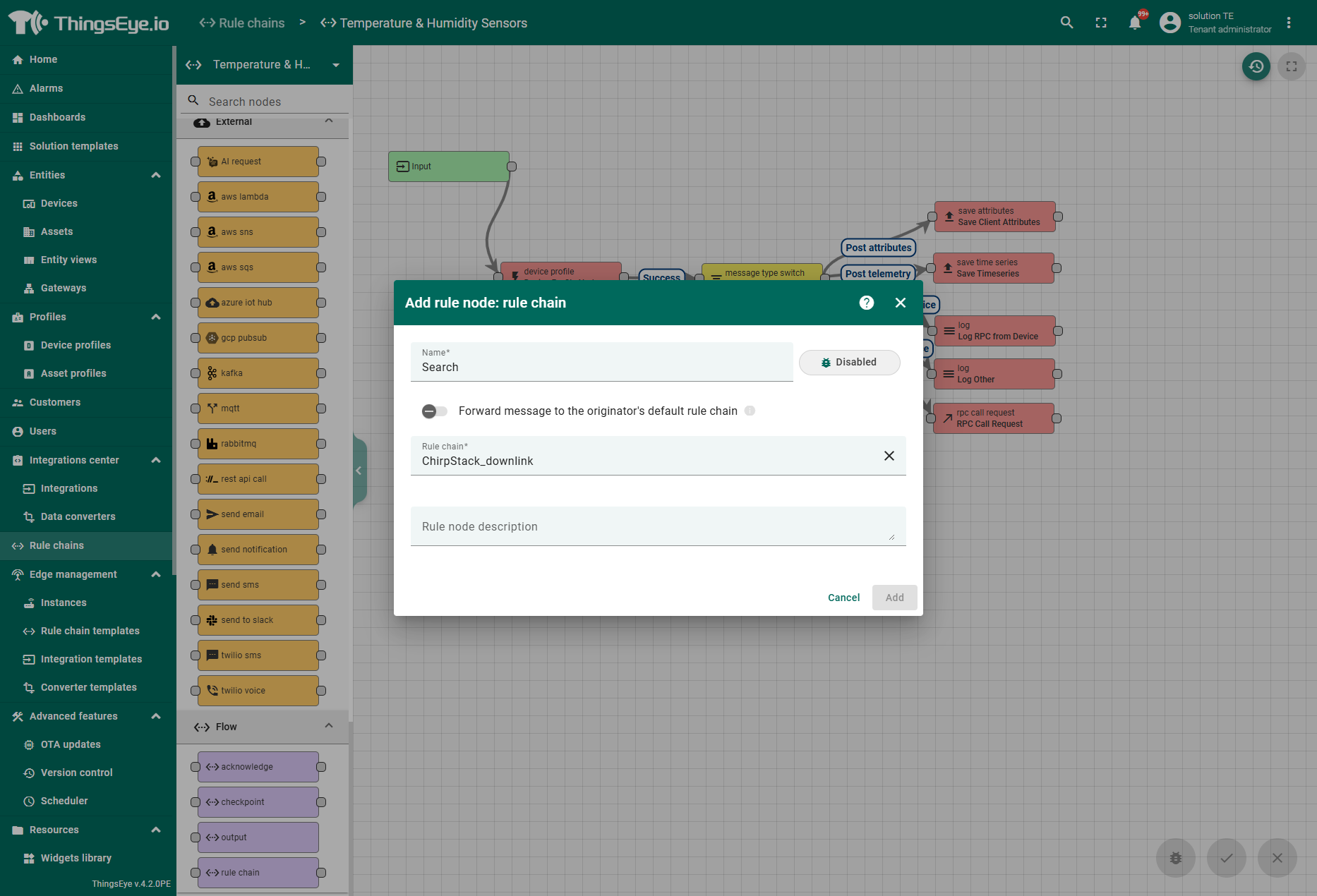
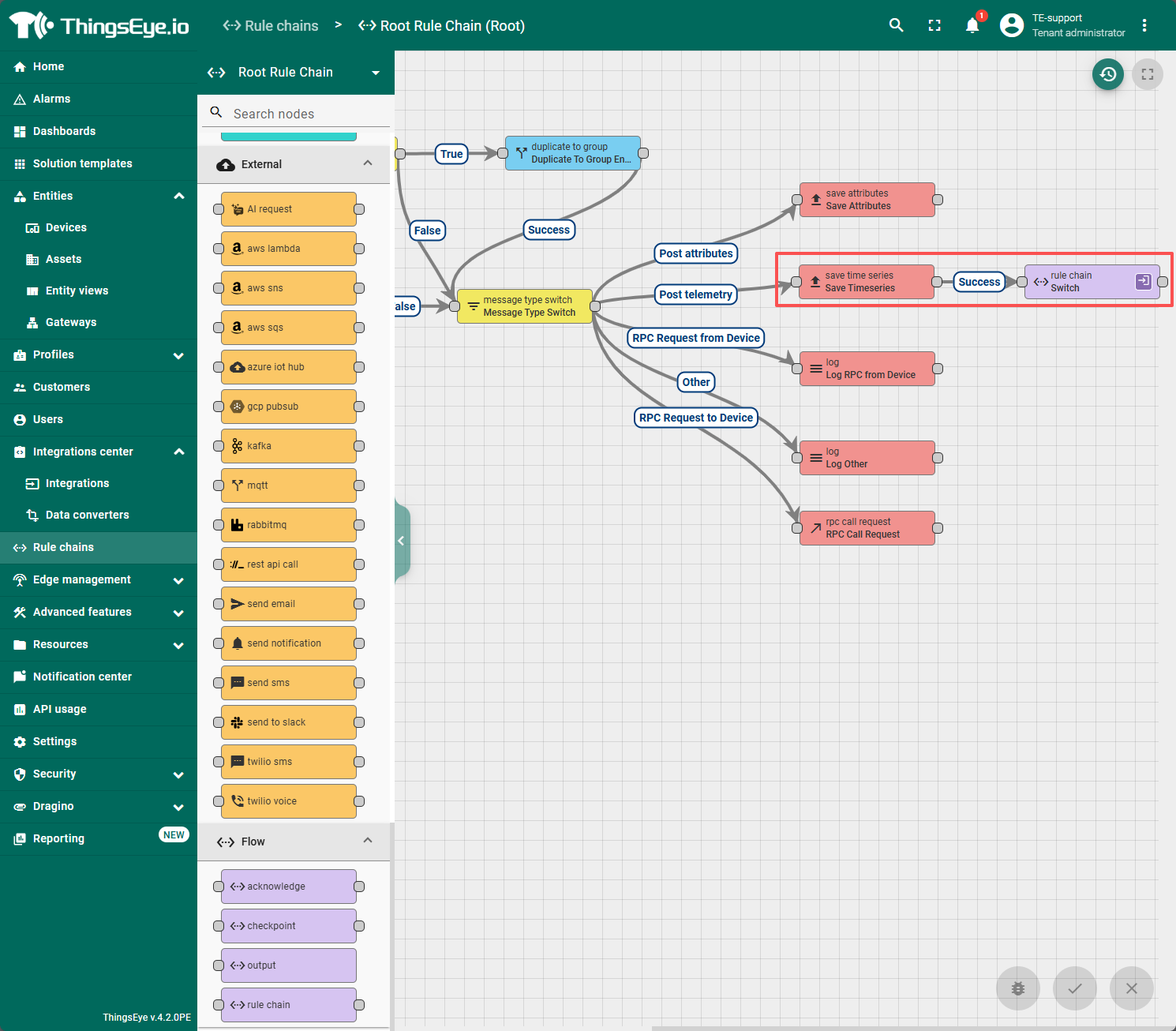
Drag and drop to create a Flow - rule chain node, select the target rule chain as "ChirpStack_Downlink", and bind it to the "save time series" node.
2. Configuration Dashboard
2.1 Import templet weiget
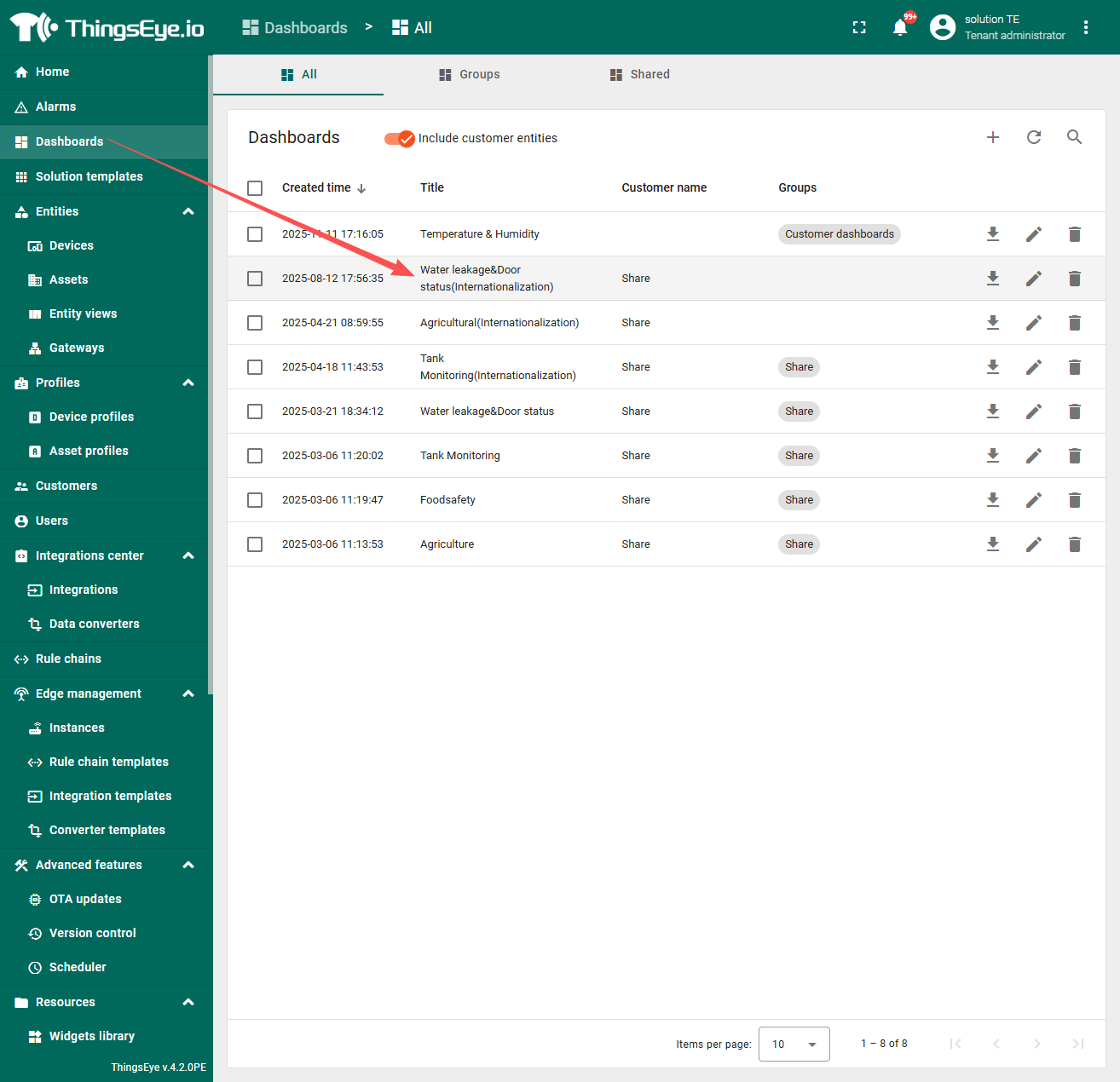
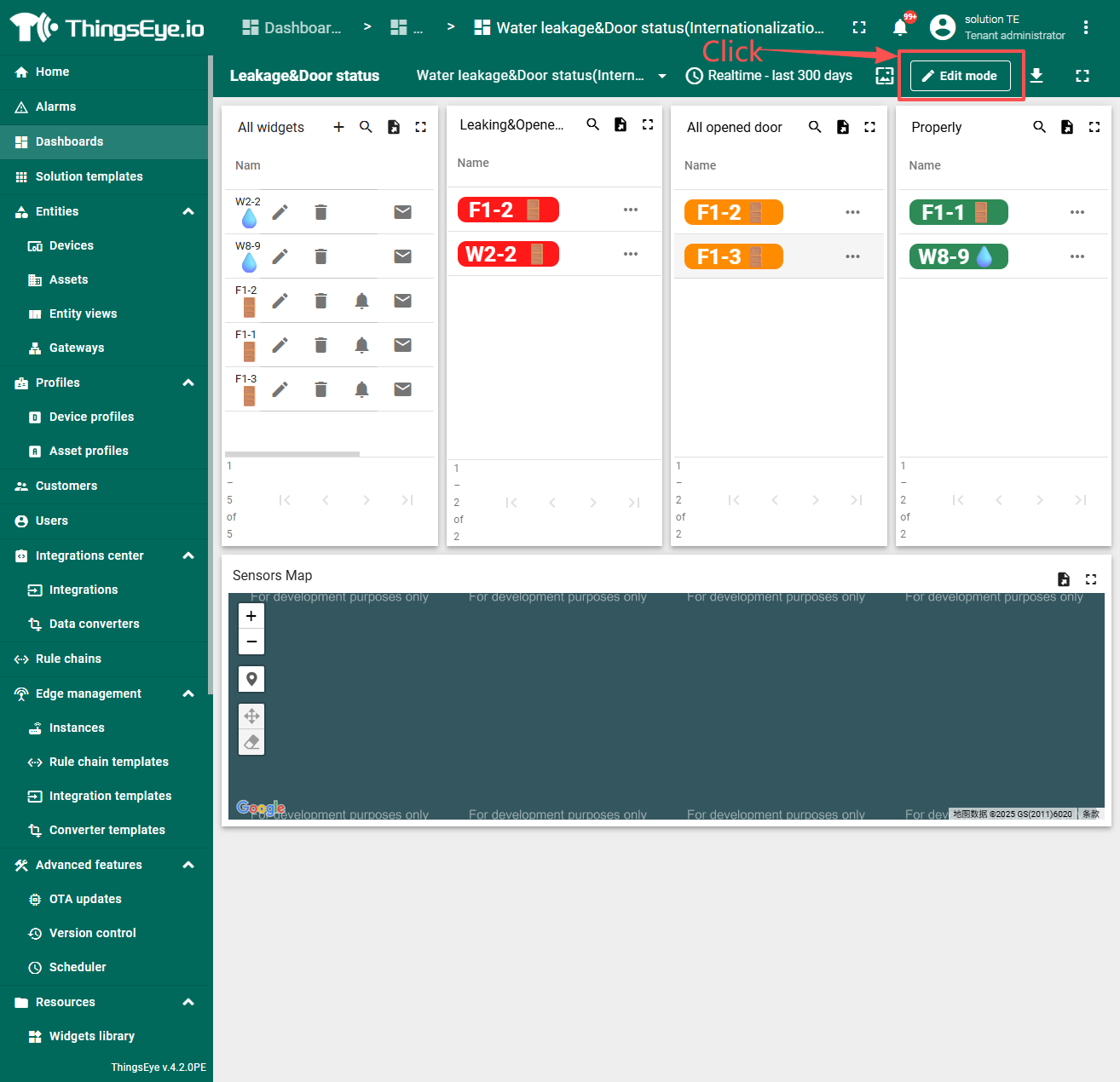
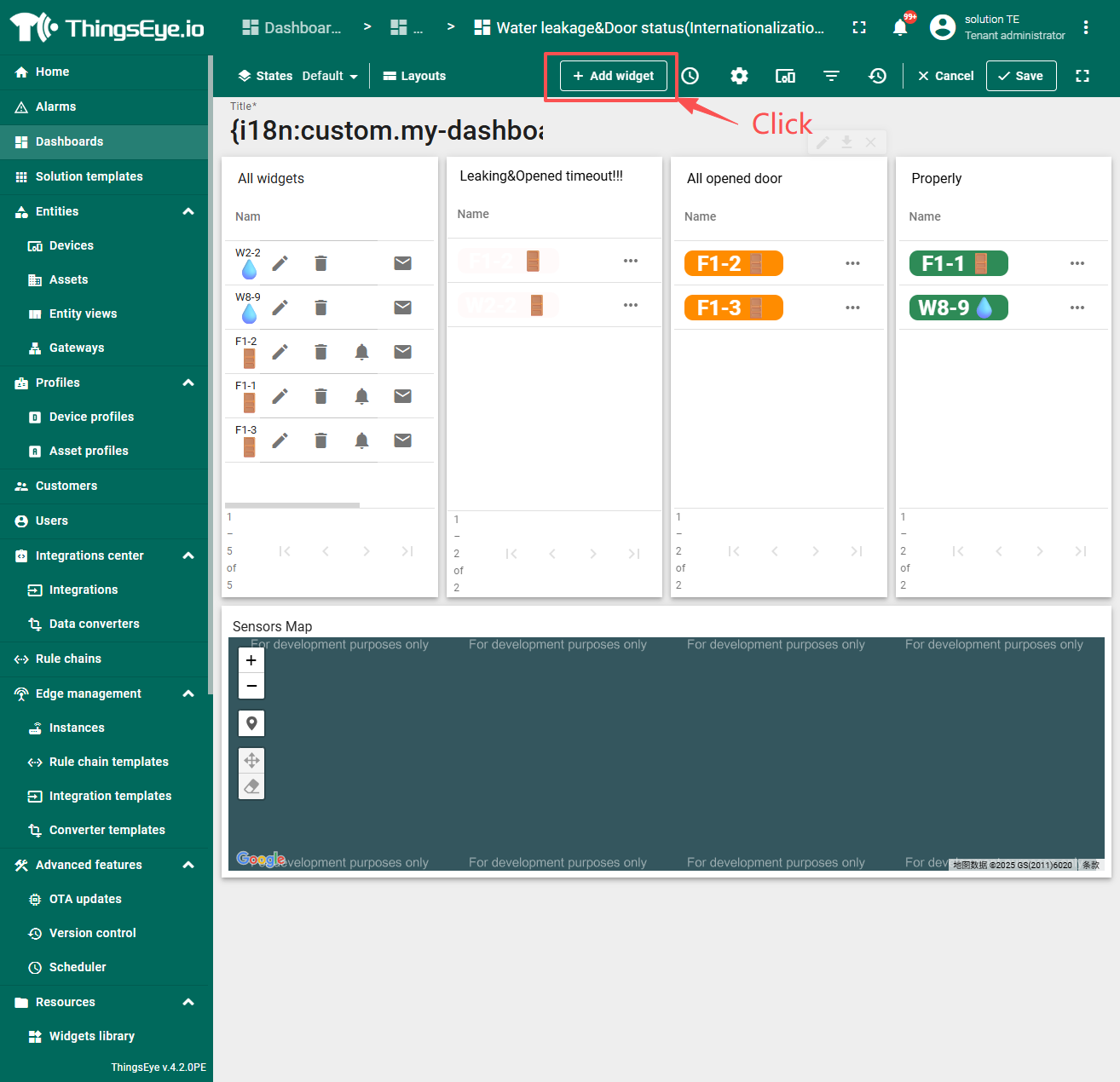
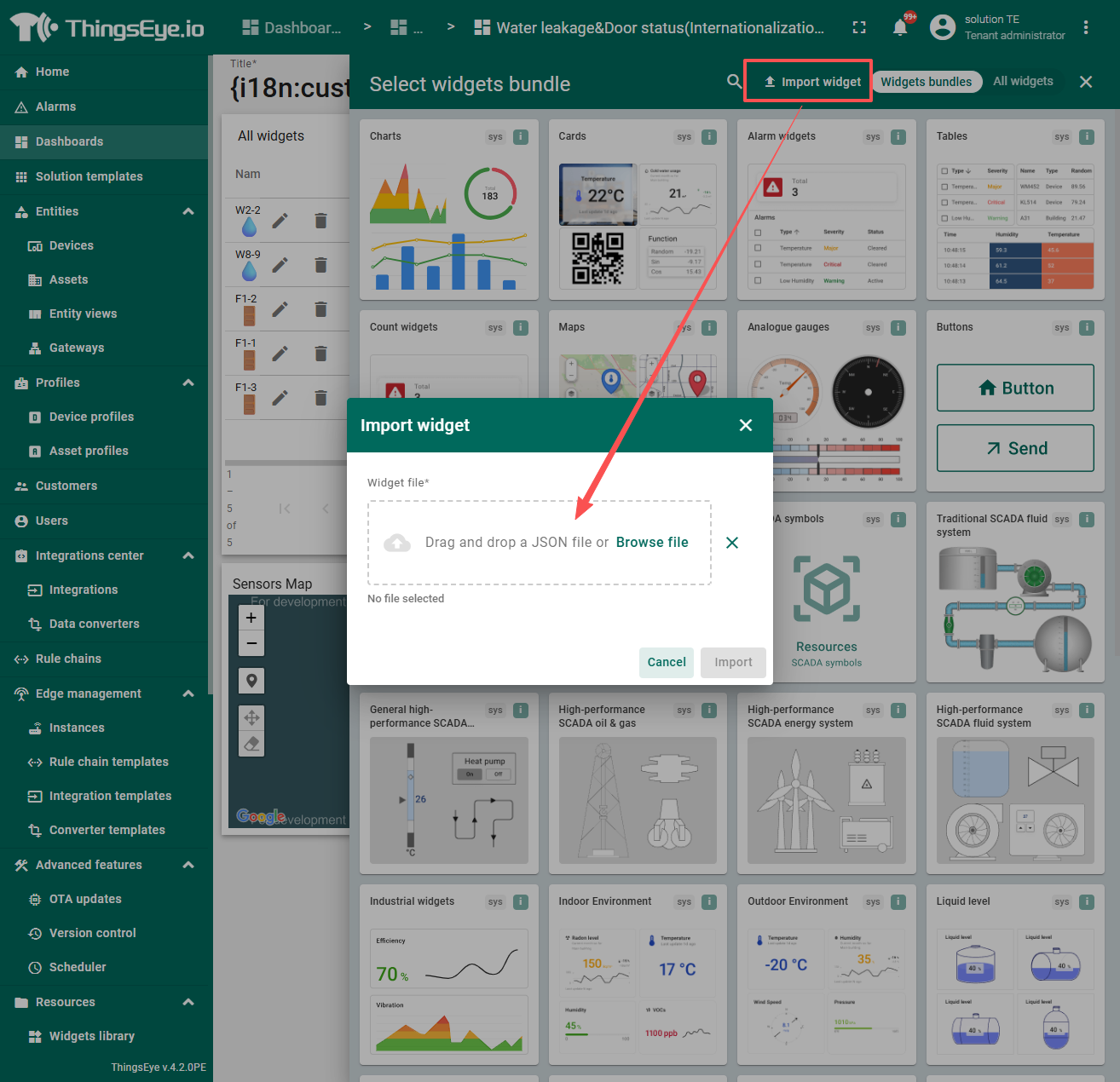
Open the dashboard which you using then import the following Weiget: Downlink_Weiget.json
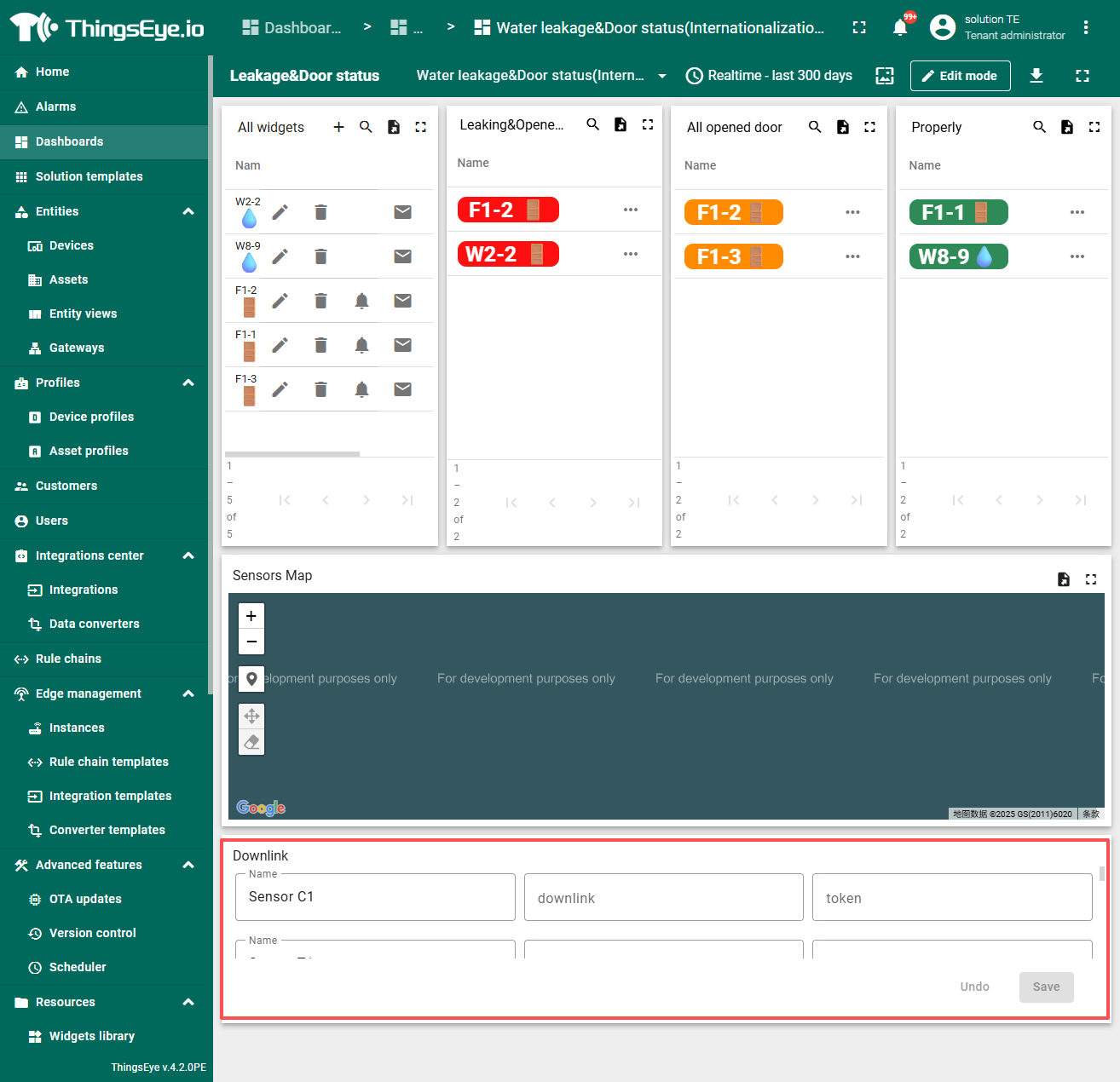
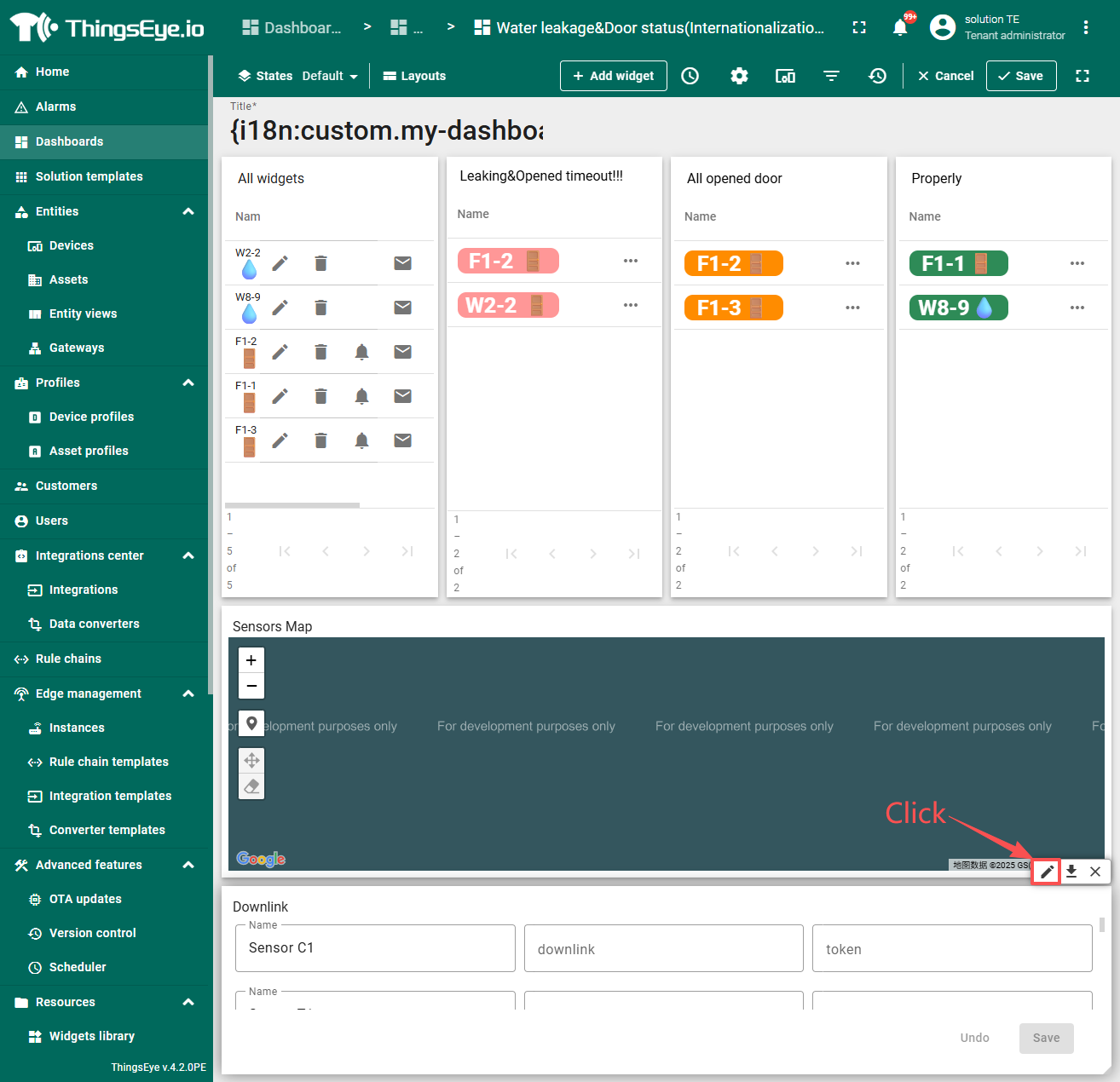
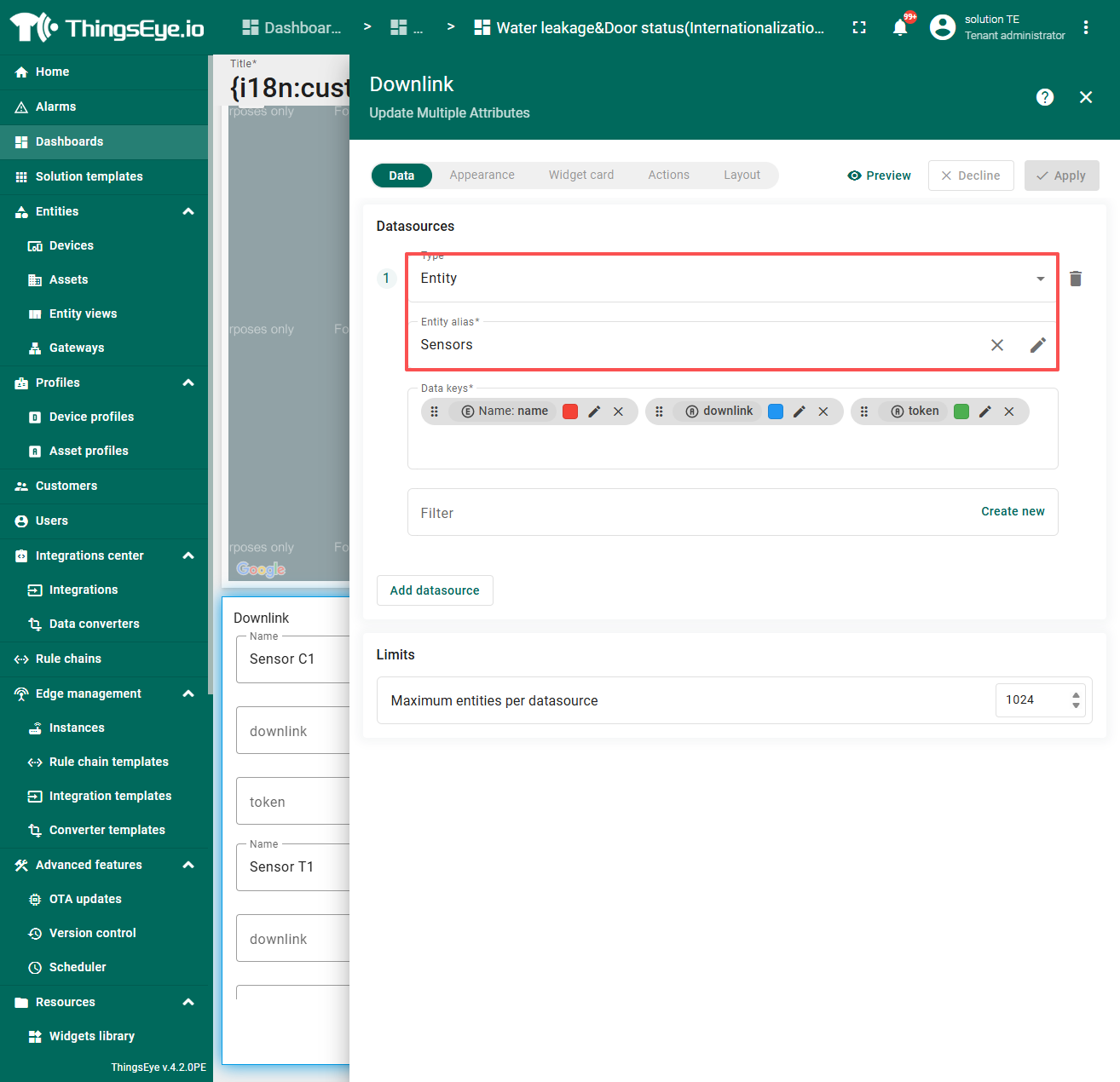
2.2 Switching device which you need to downlink
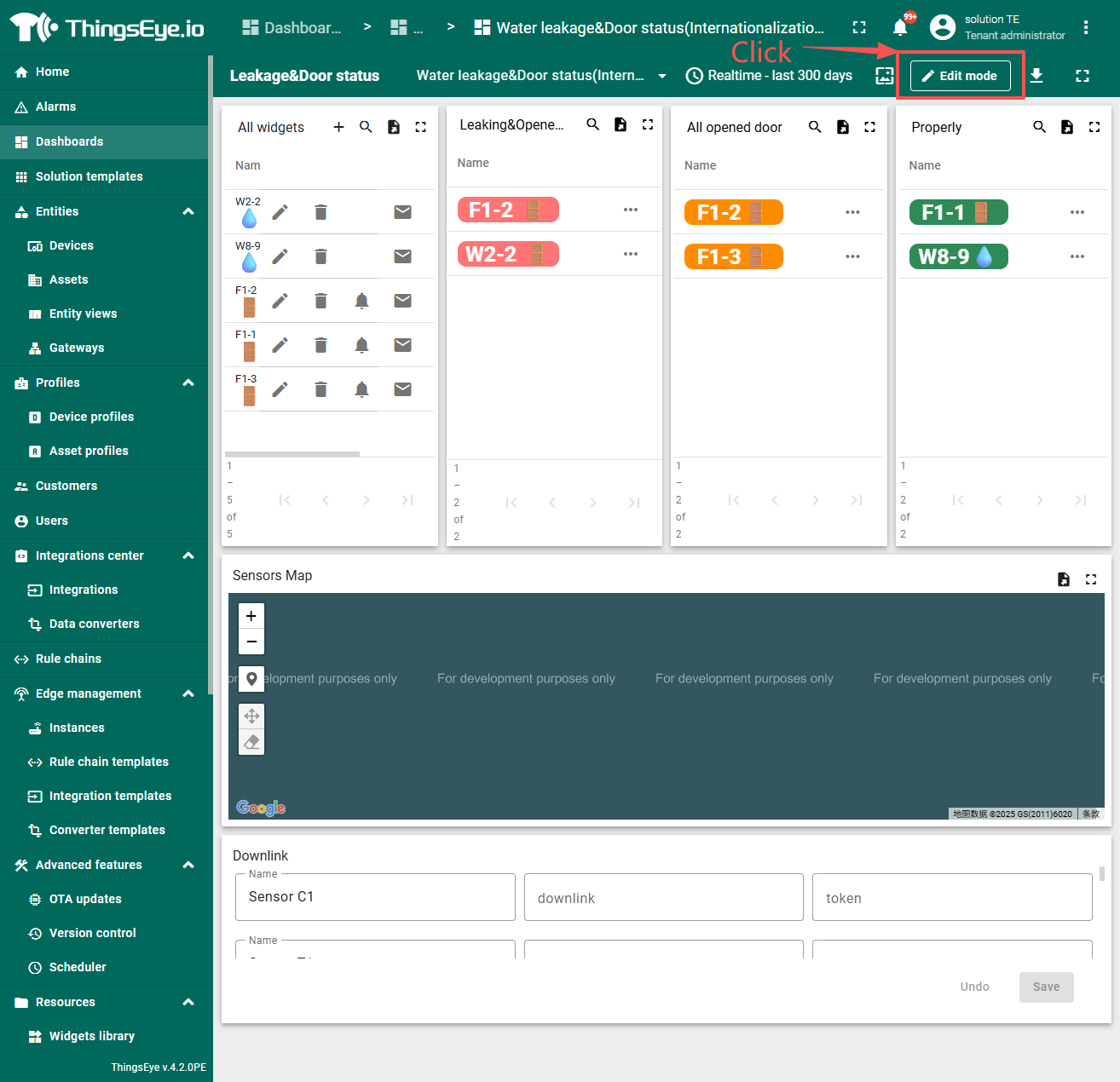
By default, all devices are displayed. If you only want to display specific devices/device groups, you can manually bind the device/device group, enter the ChirpStack token and the AT command to be sent, and then click Save.
The token and command will be saved in the properties. When uplink data is received from the device, the preset command will be automatically sent to avoid transmission failures caused by Class A devices not having an open receive window.
Only hexadecimal commands are supported, which will be converted into base64 commands of JSON arrays supported by ChirpStack and sent to the device.
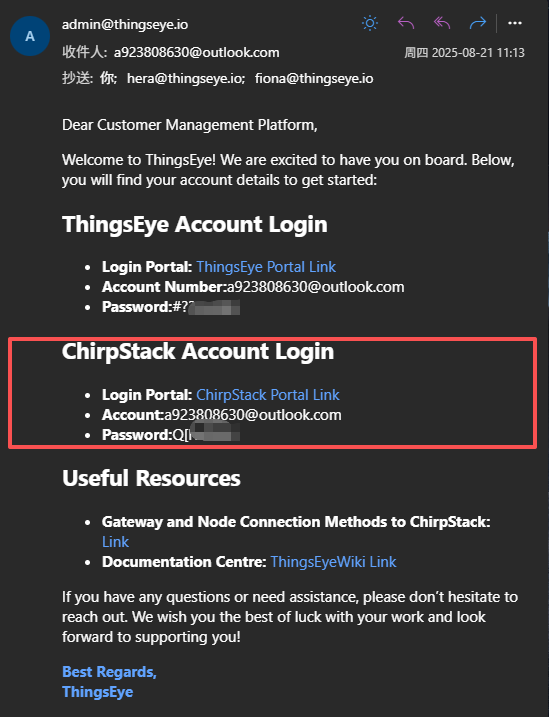
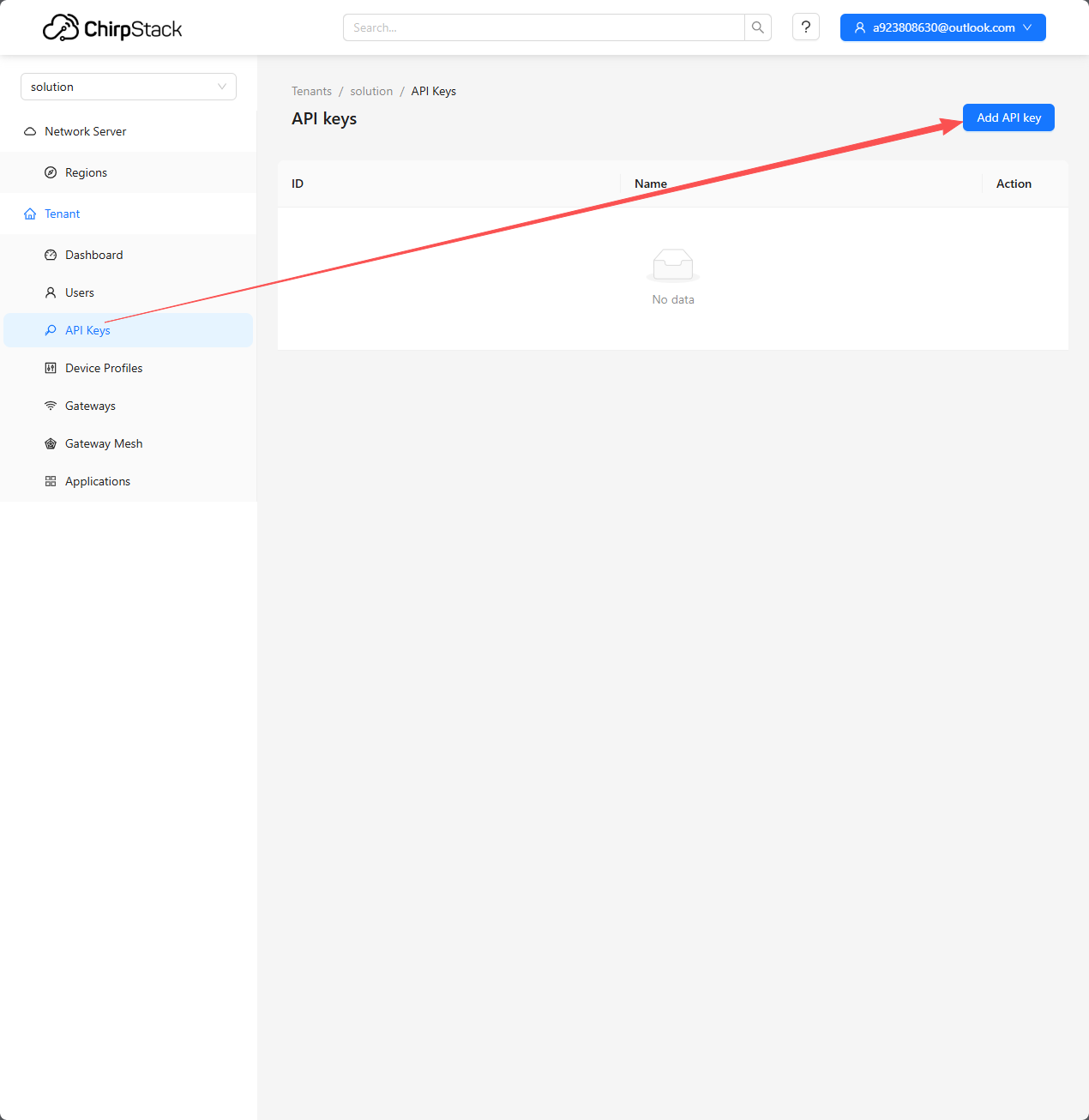
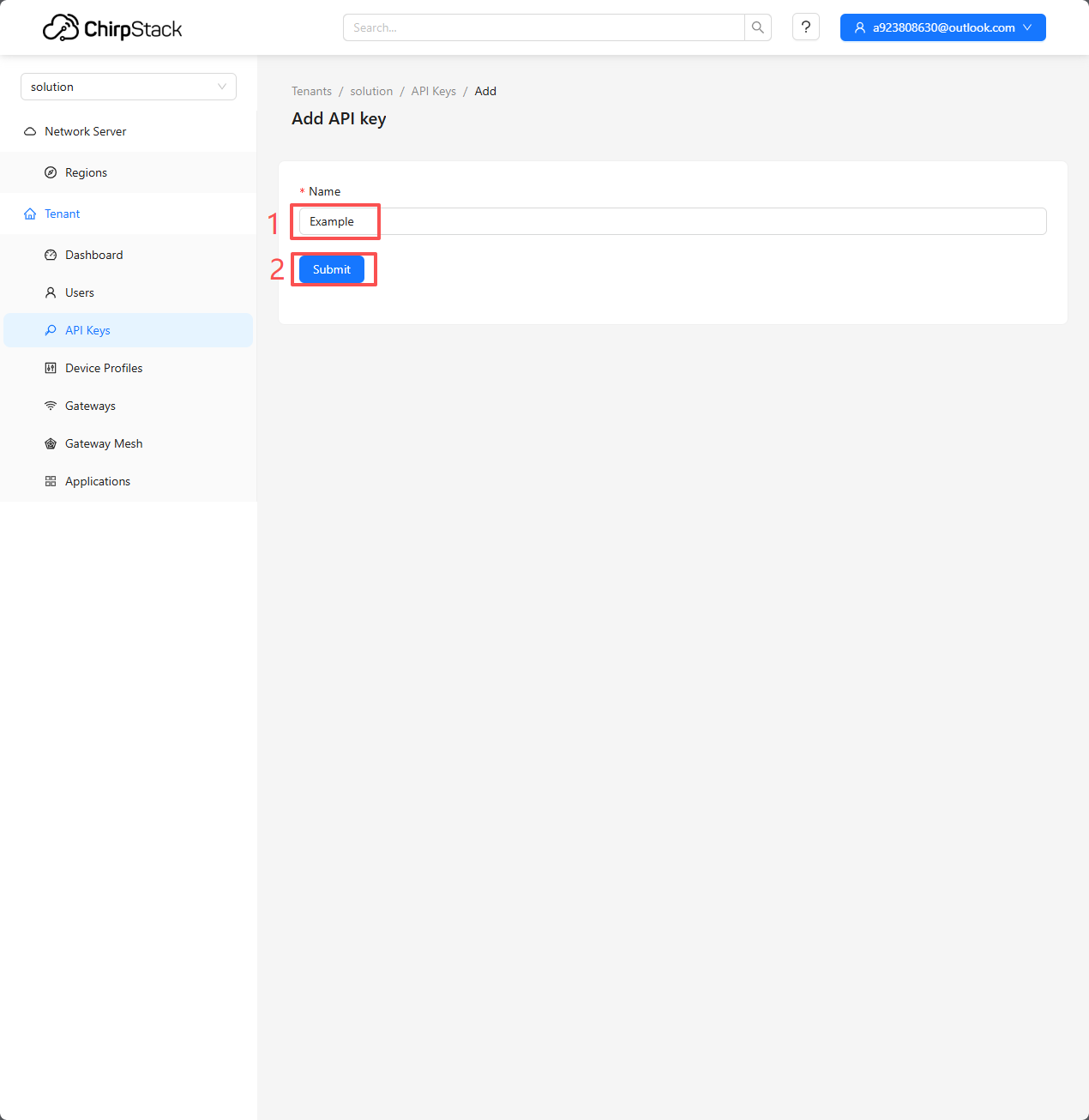
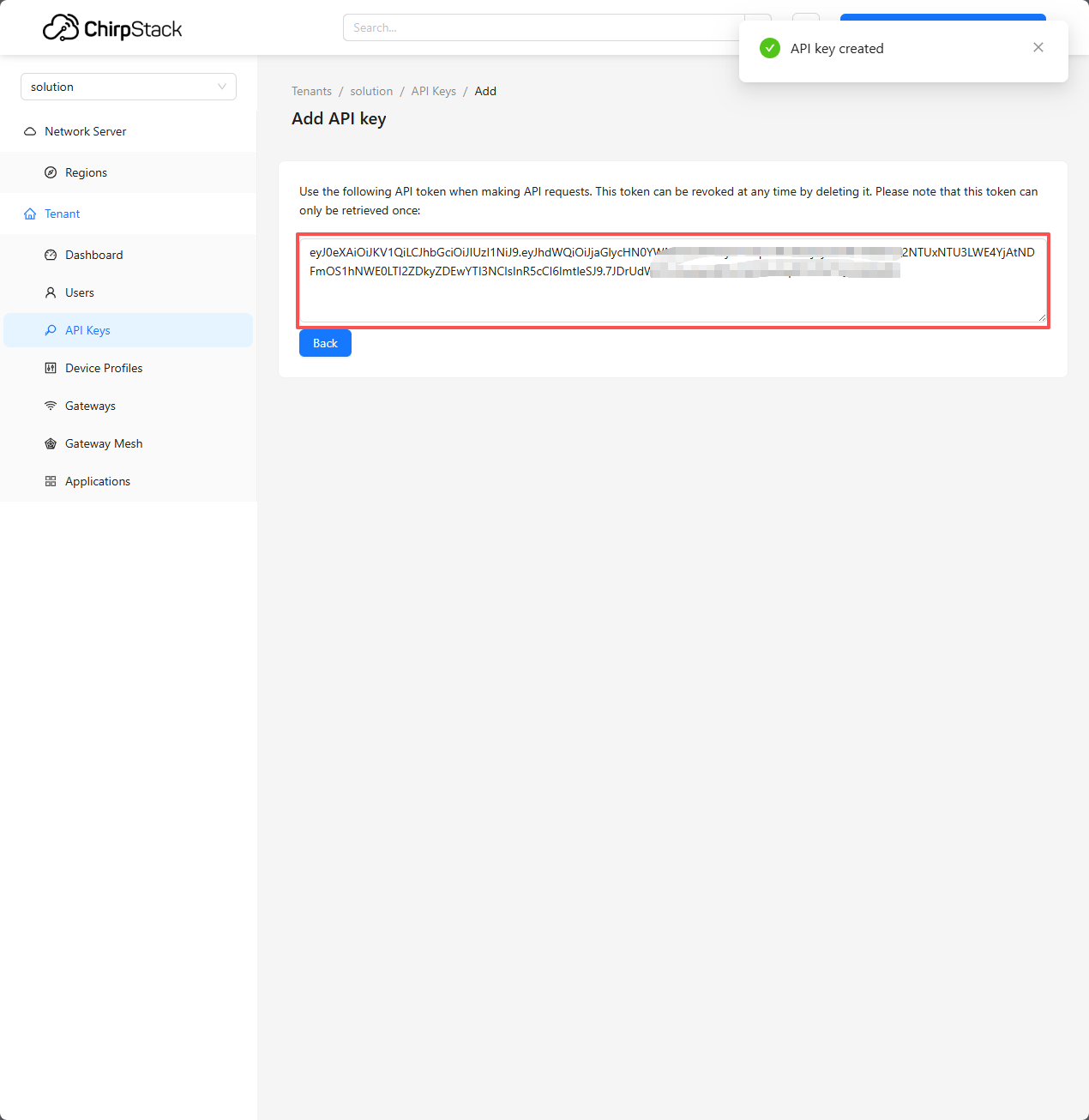
Extended content: How to get token?
You can obtain a temporary token manually by logging into ChirpStack.: ChirpStack_Web